

Overview
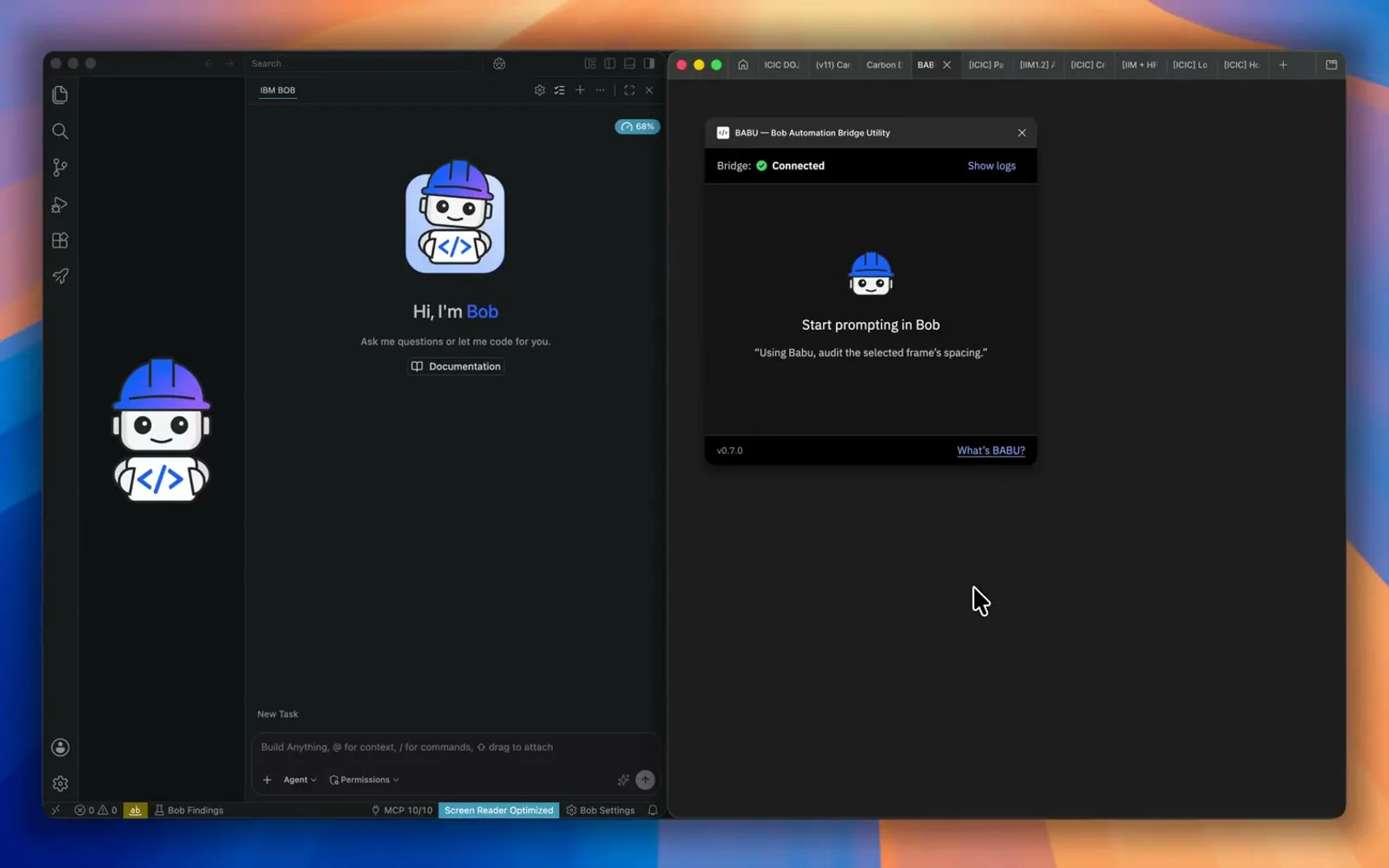
Config 2026 put an agent on the Figma canvas. I wanted the same interaction model for IBM Bob: not advice in a chat window, actual frames, components, variables, and copy on the open file. I shipped BABU — Bob Automation Bridge Utility — so Bob can inspect and change the canvas through a Figma plugin. Live internally for IBM designers with Bob. Constraint: it is a first release, not a benchmark against Figma's native agent, and it only works with Bob plus the internal plugin.
The problem
Bob already had a brain. Designers still had to do the hands.
A developer can point Bob at a repository and ask it to make a change. A designer could ask Bob for ideas, then go back to Figma and rebuild the answer by hand. The agent was standing outside the application, giving advice.
I had already seen the better pattern. Notion 3.0 Agents could act on workspace context. At Config, Figma's design agent could act on the canvas. Two products, same idea: AI is more useful when it works where the work lives.
So I asked a deliberately simple question: what if Bob could write on the Figma canvas?
Not export a screenshot. Not describe a settings screen. Not generate code I would translate back into design. Create the frame. Insert the components. Set the properties. Apply variables. Read the existing screen. Fix the copy. Continue from there.
Bob would be the brain. BABU would be the hands.
Why build this when Figma already has agents?
Figma's own agent is the most direct experience because it lives on the canvas. Figma's remote MCP server also lets supported clients write to the canvas. If you already use Claude Code, Codex, Cursor, or VS Code, start there.
Bob was not in Figma's supported client catalogue when I began, and it was still absent from the catalogue I checked on 6 September 2026. I already maintained Carbon knowledge and workflows around Bob. Moving that into another agent would create a second place to keep the same guidance. Bob also uses a separate internal credit allocation — my experience, not a public entitlement — which made it the more available place to run this workflow.
The sticky note I keep is Can AI do this for me? Then one step further: if it cannot yet, can I use AI to build the missing capability? BABU came from that loop.
| Route | What it gives you | What it does not |
|---|---|---|
| Figma design agent | Native canvas experience, Figma-aware context. | Not a Bob workflow. |
| Figma MCP server | Read/write for clients in Figma's catalogue. | Bob is not a listed client. |
| BABU | Bob reasoning, IBM Carbon guidance, governed operations on the open canvas. | Needs Bob and the internal plugin. Figma Design only. Cannot certify accessibility, responsiveness, or research validity. |
Different route. Different constraints. Same principle: let the agent work where the work is.
What I built
The first technical version was the workflow I did not want to ship: run a local server, configure MCP, start the plugin, check the port, restart something when the two sides cannot see each other. It worked for the person who built it. That is not a product.
A designer should open BABU, click Copy Bob setup, paste once into Bob, and let Bob install the bridge. They still restart Bob once. They do not bounce between documentation, a terminal, and settings to get onboarded.
Behind that flow:
- Bob interprets the request and plans the work.
- A skill gives Bob Carbon-specific instructions, usage guidance, and workflows.
- Reviewed catalogues identify the approved Carbon components, styles, and variables.
- A local MCP server translates intent into bounded Figma operations.
- The plugin reads and writes the canvas through Figma's Plugin API.
- An authenticated local bridge means only the matching Bob setup and BABU plugin can exchange commands.
Making a rectangle in Figma is easy. Knowing whether that rectangle should exist is harder. For Carbon-governed tasks the bridge rejects unsupported component versions, hard-coded colours, unapproved raw UI shapes, and detached instances — shortcuts that look correct while weakening the system underneath. Import is by published IBM organisation key. Personal copies and republished libraries will not match.
Once Bob could change the canvas, the next missing piece was clean history. Code agents work against commits. Design agents need the same discipline. After every successful canvas task, BABU asks Bob for a meaningful summary and saves it as a named Figma version. Read-only work and failed executions do not create checkpoints. Recovery becomes a new named version, not a silent whole-file reset.
Who it is for
I designed it around "super designers" — a behaviour, not a job level. People who notice a repeated action and look for a faster path, without trading quality for pace. Setup had to be short. Failures had to be legible. The plugin had to use real components and variables. Bob had to stay useful for audits and repetitive work, not only generation demos.
The quieter jobs matter as much as "design a dashboard": inspect whether components, colour variables, type styles, and spacing are mapped correctly; run a design review against our criteria; read canvas copy, compare it with Carbon content guidance, and write approved text back into the right layers.
Everyone can use it. I built it for people who invest in better ways of working.
Why that name
I considered Figgy, Tom, and Tommy. None of them explained the relationship. I wanted an Indian name that sounded like it belonged beside Bob, then gave it an expansion: Bob Automation Bridge Utility. Memorable first, expansion later. The first teammate I showed it to remembered it immediately.
Where it stands
First release, internal at IBM. Some prompts will need substantial correction. A local bridge between two complex applications has real failure paths. I would rather say that than sell a demo as a finished future.
The code lives on IBM's internal GitHub — plugin, Bob configuration, website, and catalogue indexer — for IBMers to inspect, raise issues, and improve through focused pull requests.
The transferable lesson is the same one as the Carbon Data Table plugin: connecting an agent to an application is not enough. You also have to connect it to the application's rules, vocabulary, context, and recovery paths. Otherwise you have a clever demo with a human support manual attached.